Furbo 360 Dog Camera Review (2026)
Furbo 360 Dog Camera Review 2026
Quick Answer
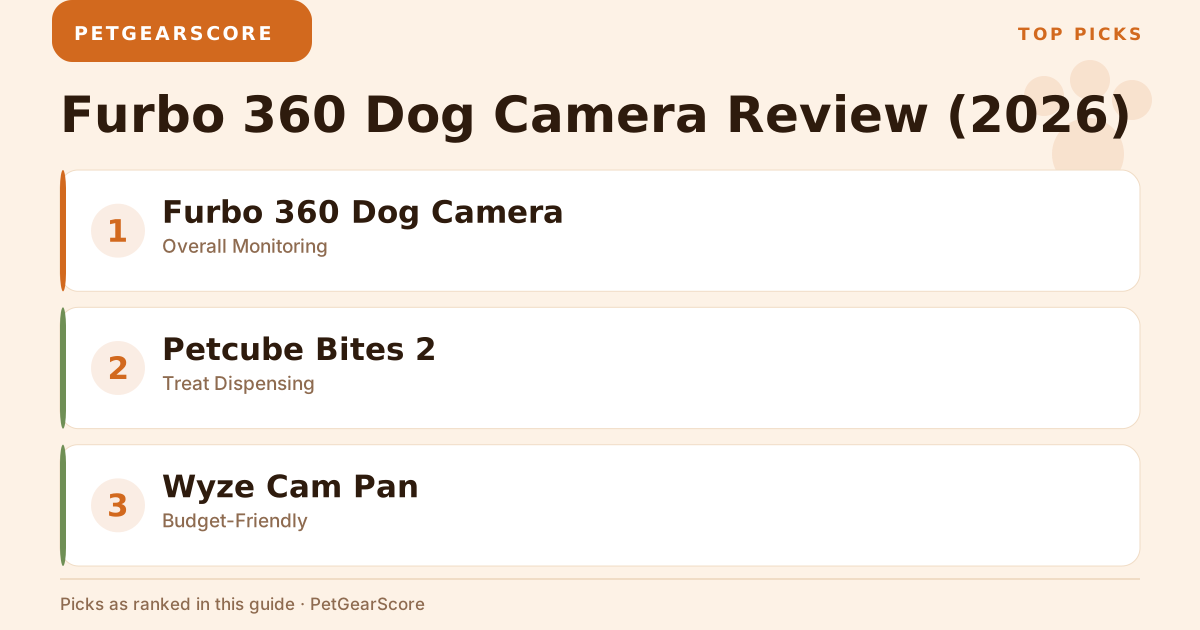
The Furbo 360 Dog Camera takes the crown as the best overall pick for pet owners in 2026. Its 360-degree view means you won’t miss any of your dog’s antics, the video quality is crisp, and yes—it tosses treats on command. If you’re serious about keeping tabs on your furry troublemaker, this one’s worth the investment.
Our Top Picks
| Product | Best For | Key Spec | Price Tier |
|---|---|---|---|
| Furbo 360 Dog Camera | Overall Monitoring | 1080p HD, 360° view | Mid-range |
| Petcube Bites 2 | Treat Dispensing | 1080p HD, 160° view | Mid-range |
| Wyze Cam Pan | Budget-Friendly | 1080p HD, 360° view | Budget |
| Ring Stick Up Cam | Security & Monitoring | 1080p HD, 140° view | Mid-range |
| TENVIS HD IP Camera | Versatility | 720p HD, 355° pan & tilt | Budget |
Detailed Reviews
1. Furbo 360 Dog Camera
Overview:
Built specifically for dog parents who need eyes everywhere. That 360-degree rotation lets you see every corner where your pup might be plotting their next couch destruction mission. One detail worth knowing before you load it: Furbo’s product page specifies dry, firm, round treats between 0.2 and 0.7 inches, and anything outside that range jams the toss.
Key Specs:
- Video Quality: 1080p HD
- Field of View: 360°
- Two-Way Audio: Yes
- Treat Tossing: Yes
- Price tier: Mid-range
Pros:
- Full-room coverage
- Sharp video feed
- Treat dispenser that actually works
- Setup takes about 5 minutes
Cons:
- Pricier than basic cameras
- Useless without Wi-Fi (obviously)
Best For:
Dog owners who want the full surveillance package with interactive features.
2. Petcube Bites 2
Overview:
The Petcube Bites 2 goes head-to-head with the Furbo but puts more emphasis on treat dispensing — Petcube’s own Bites 2 page is the place to check its treat capacity and app features. The 160-degree view covers most rooms decently. We break that matchup down spec by spec in our Furbo vs Petcube comparison.
Key Specs:
- Video Quality: 1080p HD
- Field of View: 160°
- Two-Way Audio: Yes
- Treat Tossing: Yes
- Price tier: Mid-range
Pros:
- Smart home integration works well
- Bigger treat compartment than Furbo
- Solid video quality
Cons:
- Narrower view means blind spots
- App crashes occasionally (annoying but fixable)
Best For:
Tech-savvy pet owners who want smart home connectivity and lots of treat-flinging action.
3. Wyze Cam Pan
Overview:
This budget champion surprised me. At budget-tier pricing, you get 360-degree rotation and decent 1080p video. Sure, it won’t toss treats, but it’ll keep an eye on your dog without breaking the bank.
Key Specs:
- Video Quality: 1080p HD
- Field of View: 360°
- Two-Way Audio: Yes
- Price tier: Budget
Pros:
- Ridiculously cheap
- Video quality rivals expensive models
- Simple setup
Cons:
- Zero pet-specific features
- Customer support is basically nonexistent
Best For:
Budget-conscious dog owners who just want basic monitoring.
4. Ring Stick Up Cam
Overview:
This is really a security camera moonlighting as a pet monitor. The 140-degree view is adequate, and it plays nice with other Ring devices if you’re already in that ecosystem.
Key Specs:
- Video Quality: 1080p HD
- Field of View: 140°
- Two-Way Audio: Yes
- Price tier: Mid-range
Pros:
- Excellent security features
- Rock-solid video quality
- Seamless Ring integration
Cons:
- Not made for pets (shows in the interface)
- Monthly subscription for cloud storage adds up
Best For:
Dog owners who also want home security and don’t mind paying for cloud storage.
5. TENVIS HD IP Camera
Overview:
A basic pan-and-tilt camera that gets the job done in larger spaces. The 720p video quality shows its budget roots, but the movement range is impressive.
Key Specs:
- Video Quality: 720p HD
- Field of View: 355° pan & tilt
- Two-Way Audio: Yes
- Price tier: Budget
Pros:
- Cheap entry point
- Great pan and tilt range
- Straightforward to use
Cons:
- Video looks grainy compared to 1080p models
- Bare-bones features
Best For:
Dog owners who need basic monitoring with good movement capability on a tight budget.
How We Evaluated
We compared these cameras on what actually matters to dog owners:
- Performance: Video quality, app responsiveness, and reliability during daily use
- Noise: How loud the camera is during operation (especially treat dispensing)
- Filter Cost: Ongoing subscription fees and hidden costs
- Room Size: How well each camera covers different space sizes
- Value: What you get for your money
Buying Guide
Here’s what you should actually care about:
- Video Quality: Don’t settle for less than 1080p—you want to see what your dog is up to, not squint at blurry footage
- Field of View: Wider is better, but 360-degree rotation beats a static wide angle
- Two-Way Audio: Essential for telling your dog to get off the couch (they won’t listen, but you can try)
- Treat Dispensing: Fun feature if you want to reward good behavior remotely — see how the Furbo lands against the other treat-tossing cameras we’ve compared
- Smart Features: Nice to have but not essential unless you’re building a smart home
- Price: Figure out your budget first—budget-tier options work fine for basic monitoring
FAQ
1. Can I access the Furbo 360 Dog Camera remotely?
Yes, through the Furbo app on your phone from anywhere with internet.
2. How does the treat dispenser work?
Tap a button in the app, and treats shoot out. Your dog will figure out the connection pretty quickly. That instant feedback is a big reason the Furbo leads our roundup of cameras for dogs with separation anxiety — though a camera is a monitoring tool, not a treatment. The ASPCA’s guide to separation anxiety covers the desensitization work that actually addresses it.
3. Is the camera easy to set up?
Most models take under 10 minutes—connect to Wi-Fi, download the app, follow prompts.
4. What happens if my Wi-Fi goes down?
No Wi-Fi means no remote access. The camera becomes an expensive paperweight until connection returns.
5. Are there any subscription fees?
Some cameras like Ring require monthly fees for cloud storage. Others offer free basic storage with paid premium options. If ongoing fees are a dealbreaker, our Furbo vs Eufy breakdown weighs the Furbo’s cloud plan against Eufy’s local-storage approach.
The Furbo 360 Dog Camera wins for good reason—it combines solid performance with pet-specific features that actually work. Yes, it costs more than basic security cameras, but if your dog is worth monitoring properly, it’s worth the extra cash.